A face for your mood
Flip digits, classic hands, retro displays and quiet little worlds. Find a clock that feels at home in your space.
 Aha Clock
For iPhone & iPad
A clock for your desk. A little room for yourself.
Beautiful faces, gentle motion, and weather at a glance.
Made for your everyday
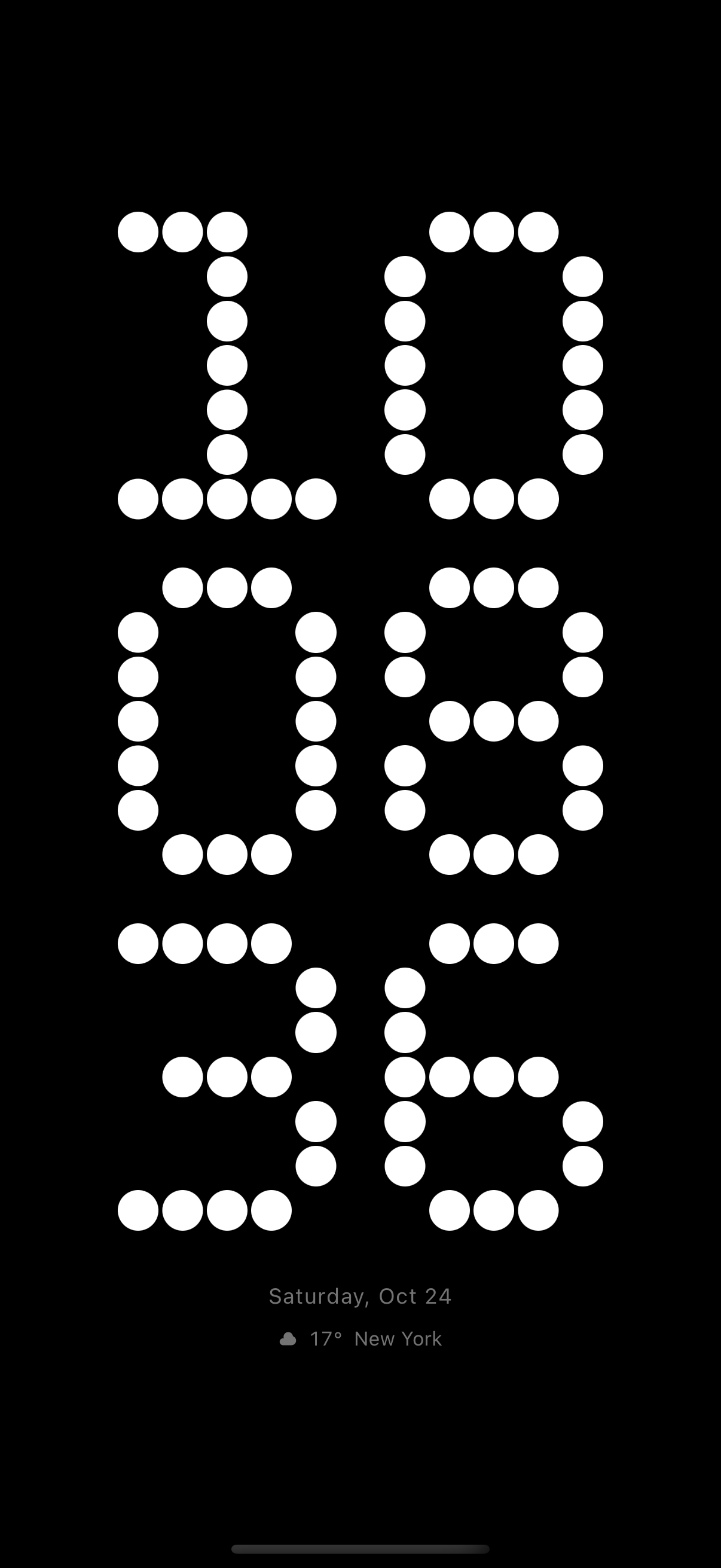
Flip digits, classic hands, retro displays and quiet little worlds. Find a clock that feels at home in your space.
Choose colors and display options on supported faces. Keep your favorites close, in portrait or landscape.
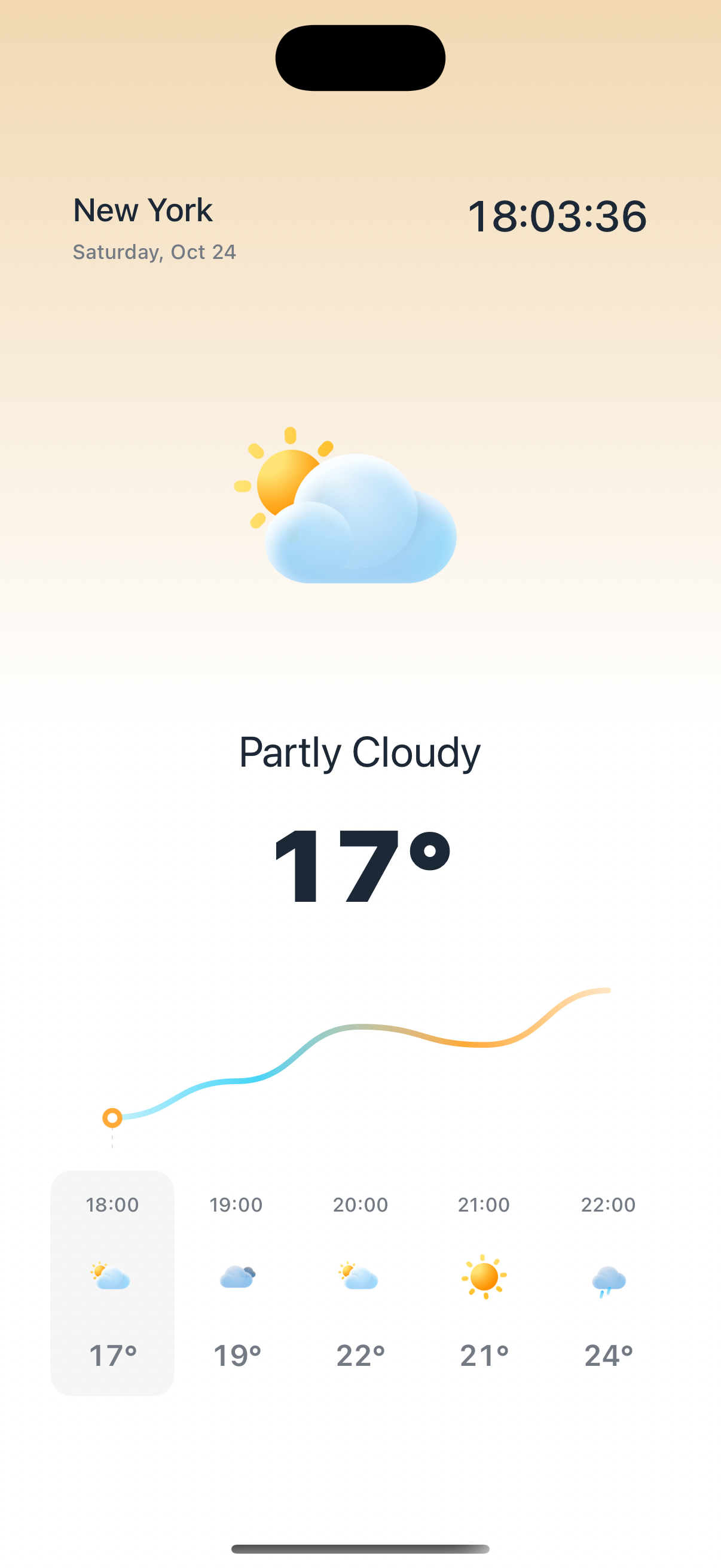
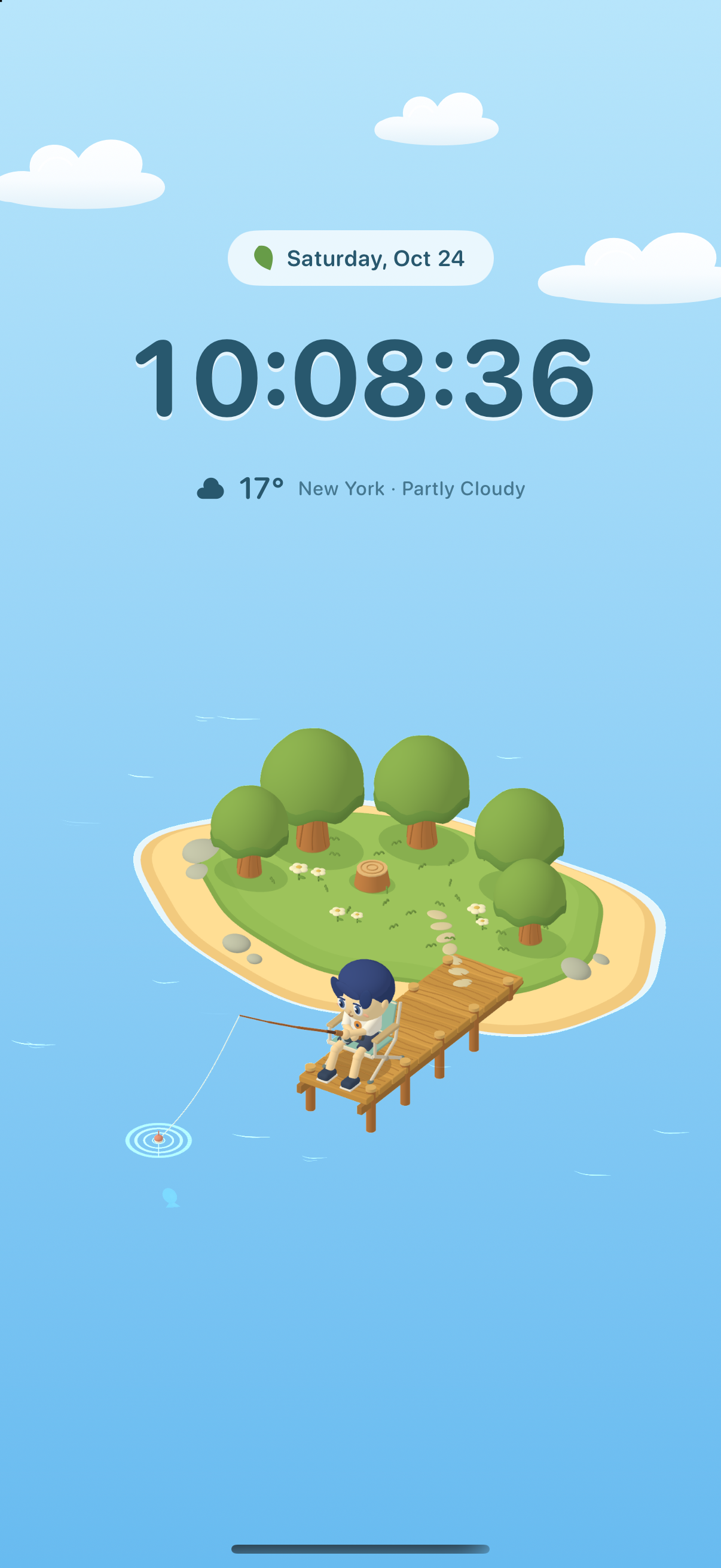
See your city's weather, explore world time zones, or let a nature scene bring a little life to your desk.
Some faces and features require PRO. Available options vary by clock face. Weather requires a connection.
Help & support
Quick answers for your clock, permissions and purchases.
Tap the clock to reveal its controls. Open the theme gallery to choose a face, or open Clock Settings to adjust the options available for your current face. Color, size and other controls vary by design.
Open App Settings and enable Keep Screen On. This keeps the display awake while Aha Clock is open in the foreground. You can also choose an orientation in Settings.
Open App Settings → Weather City and check your selected city. To use your current location, enable Follow Location and allow location access in system Settings. You can choose a city manually instead. Weather also needs an internet connection and may be temporarily unavailable.
Open App Settings and connect Apple Music, then grant media access when prompted. Play a song in Apple Music and return to a supported music clock. Availability depends on your device, permissions, music account and playback state.
Open the PRO purchase screen and choose Restore Purchases. Use the Apple Account that made the purchase. Check that your subscription is active or that your lifetime purchase has not been refunded or revoked.
If access is still missing, restart the app and check that App Store purchases are available on your device.
On your iPhone or iPad, open system Settings → your name → Subscriptions, then select Aha Clock. Deleting the app does not cancel a subscription. A lifetime purchase does not automatically cancel an existing subscription.
No AhaStudio account is needed. Your clock preferences are stored on your device. Optional weather, maps and music features use the relevant permissions and services. Read our Privacy Policy for the full details.